Best Photo Collage Maker for Mac & Windows PC.
Make photo collages, photo grids, overlapping collages, photo montages, mood boards, polaroid collages, contact sheets, and more!
















Requires macOS 10.11 or newer. Works on macOS Tahoe, Sequoia, Sonoma, Ventura, Monterey, Big Sur, Catalina, Mojave, High Sierra, Sierra, El Capitan.

Requires Windows 11 / 10 / 8 / 7


We recently completed 15 years, more than 2 million software downloads, and we now have over 60,000 paying customers.
A big thank you to all our users. Your appreciation and encouragement have helped us make TurboCollage the best photo collage editor on the market.
So Many Collage Possibilities!
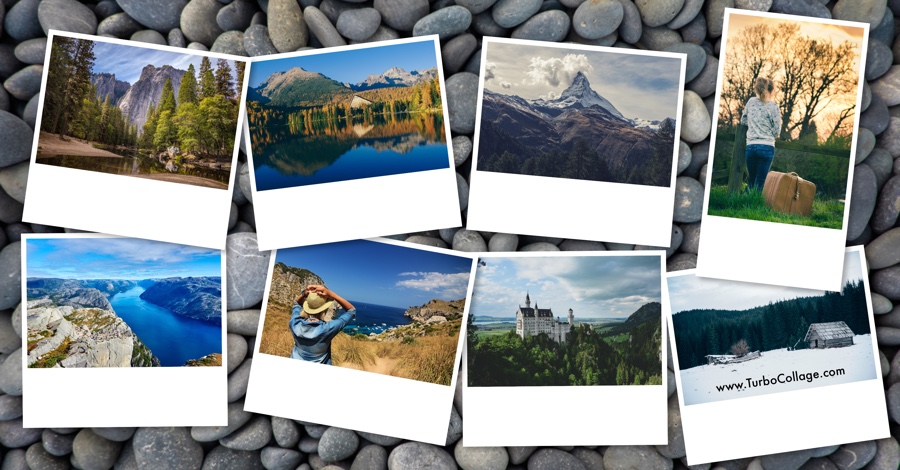
TurboCollage lets you make numerous collage designs, including overlapping collages, polaroid collages, photo grids, circle collages, hexagon collages, zig-zag collages , contact sheets, mood boards, side-by-side photo collages, and more!

Make a collage with 2, 3, or even 100 photos!
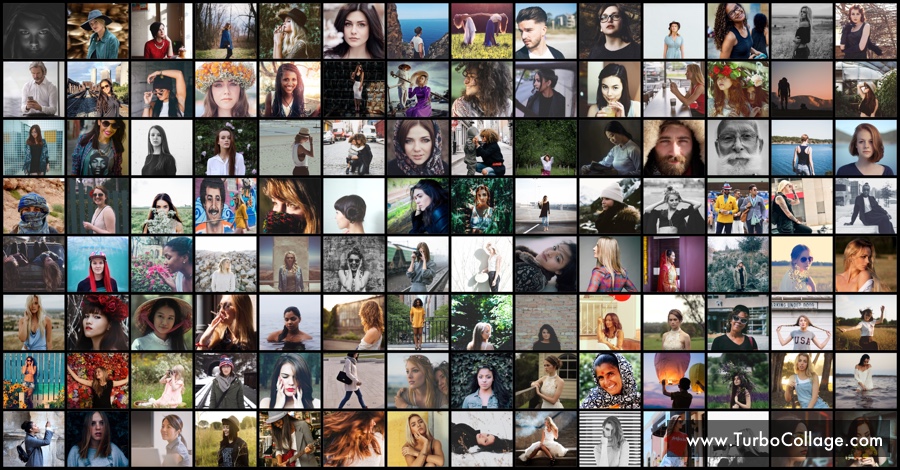
With TurboCollage, you can make a collage with any number of photos. You can make a 5-photo collage, a 6-photo collage, a 7-photo collage, a 20-photo collage, 40-photo collage, 50-photo collage, or a 100-photo collage!

Create a collage in any size, large or small.
With TurboCollage, you can create photo collages in any size you need. Make small 2” x 3” collages, standard 4” x 6” collages, A4 photo collages, A3 photo collages, panorama photo collages, or even large 24” x 36” collages. You can set any size for your collage.

Make Overlapping Collages
With TurboCollage, making beautiful overlapping collages is fun and easy! Arrange your images just how you like, and play around with placement, size, rotation, and layering to create something uniquely yours.

Make Photo Grids
With TurboCollage’s smart algorithms, you can create eye-catching photo grids with randomly arranged photos in just a few clicks.

If you want a simpler layout, you can also make a grid with photos neatly organized in rows and columns.

Here’s what our customers say:
The comments below are all from paying customers and are quoted with their permission.
Joe Pardo, Business Consultant, Speaker, www.SuperJoePardo.com
I love TurboCollage because it enables me to create engaging images for my website in a matter of minutes. There is no need to have Photoshop skills to get creative with the tools available to you with TurboCollage! Thank you for this wonderful app. Please keep up the great work!
Nic Barlow, Photographer, London, UK
I have bought several collage makers, and it was a relief to come across TurboCollage, which did what I wanted. Full resolution of the original files is maintained; printing up to A1 retains the quality of the images. There is excellent control over the look of the layout with the capability of adding text if necessary. I am delighted with TurboCollage.
Trichet Jimmy, System Administrator, France
Thank you for your quick and efficient customer service. TurboCollage is excellent — it's easy to use, doesn't require a design background, and has saved me hours of work. Many thanks. I would certainly recommend this to my friends.
Julia Kying, Conceptualist, Designer, Illustrator, Los Angeles, USA
If you haven't heard of TurboCollage, you will wish you had. This application allows you to create Mood, Reference, Design, and Storyboards quickly and easily. It's well designed, simple yet powerful, and worth every penny for professionals and hobbyists alike. Trust me, you won't regret it.
Megan, San Diego, USA
The collage software is straightforward to use. Every year I make a collage for my spouse with our favourite memories/photos from the past year. This software is my favourite and well worth the purchase. I accidentally bought the wrong version one year ago, and customer service was speedy and helpful.
Thomas Roman, Website Company Owner, NYC
TurboCollage is the best software for combining multiple images into a beautiful collage. These collages can be used for web images, vision board tiles for your refrigerator, journal, or wall, or for any family photos you want to frame. It is the best software on the market, and I highly recommend having a copy if you have any of the needs above.
Troy, Photographer, VA, USA
The software is very easy to use, has a simple interface, loads quickly, and can assemble 100 images into a collage. Making changes to the collage was easy (swapping images, cropping, resizing). Honestly, I was amazed by how well this product works for the cost and efficiency. I will continue to use TurboCollage.
Sean Crawford, Photographer & Local Historian, Sion Mills, Co Tyrone, Northern Ireland
The software is so easy to use and multifunctional. I can produce collages of people as gifts, or old photos to create a lovely location montage. An added bonus is being able to add text. Customer service is excellent, and emails are answered immediately. Anna has been so helpful when I have a query.